

Document signing
Sign documentsyou can prove.
Send documents for signature in minutes. Every signer signs with a passkey on their own device, every document is end-to-end encrypted, and every signature is anchored on a public blockchain, where anyone can check it, forever.
See every step, in two minutes.
From the upload to the sealed copy: what happens at each step, and how anyone can check it afterwards.
Watch how signing works · 2:23 · sound on · captions available
Want the details? Watch the step-by-step tutorials, one for every feature.
Five steps, and the cryptography does the rest.
- 1
Upload and place the fields
Add your PDF and the people who sign. Drop signature, initials and date fields where each of them signs. The document is encrypted in your browser before it leaves your computer.
- 2
Signers set up with one prompt
Each signer opens their link and sets up a passkey with one Face ID or fingerprint prompt. No account, password or payment.
- 3
You release it to first-time signers
The document is end-to-end encrypted, so your browser shares it with each new signer's key. We email you when someone is ready: one tap releases it, from your phone too, and they're told it's open.
- 4
They review and sign
They're guided to every field, then approve with their passkey: it signs the document's fingerprint and exactly what they entered.
- 5
Everyone gets the sealed copy
When the last person signs, the agreement is sealed and anchored on a public blockchain. Every party downloads the same sealed PDF, with its certificate, its audit trail and the evidence inside, and its pages anchored too.
What you can check yourself.
Every claim below is something you, your counterparty or anyone else can verify with open standards and public records.
Who can read your document
Only the parties. It's encrypted in your browser before upload; Attest stores ciphertext it can't open, and only fingerprints go on the blockchain.
What each signer approves
A statement naming the document's fingerprint and everything they entered, signed with their passkey on their own device (Face ID, Touch ID, Windows Hello or their device PIN).
Who can check it
Anyone, free, with no account: in their own browser, against the public blockchain. Every signed copy carries its evidence and a verifier, so it checks out even if Attest is gone.
If anything changes afterwards
Change one byte, of the document or of any entry, and verification fails, for everyone.
Proving it without showing it
Share a zero-knowledge proof of one fact (you, or you and another signer, signed it on a date), and nothing else.
A sealed copy that proves itself.
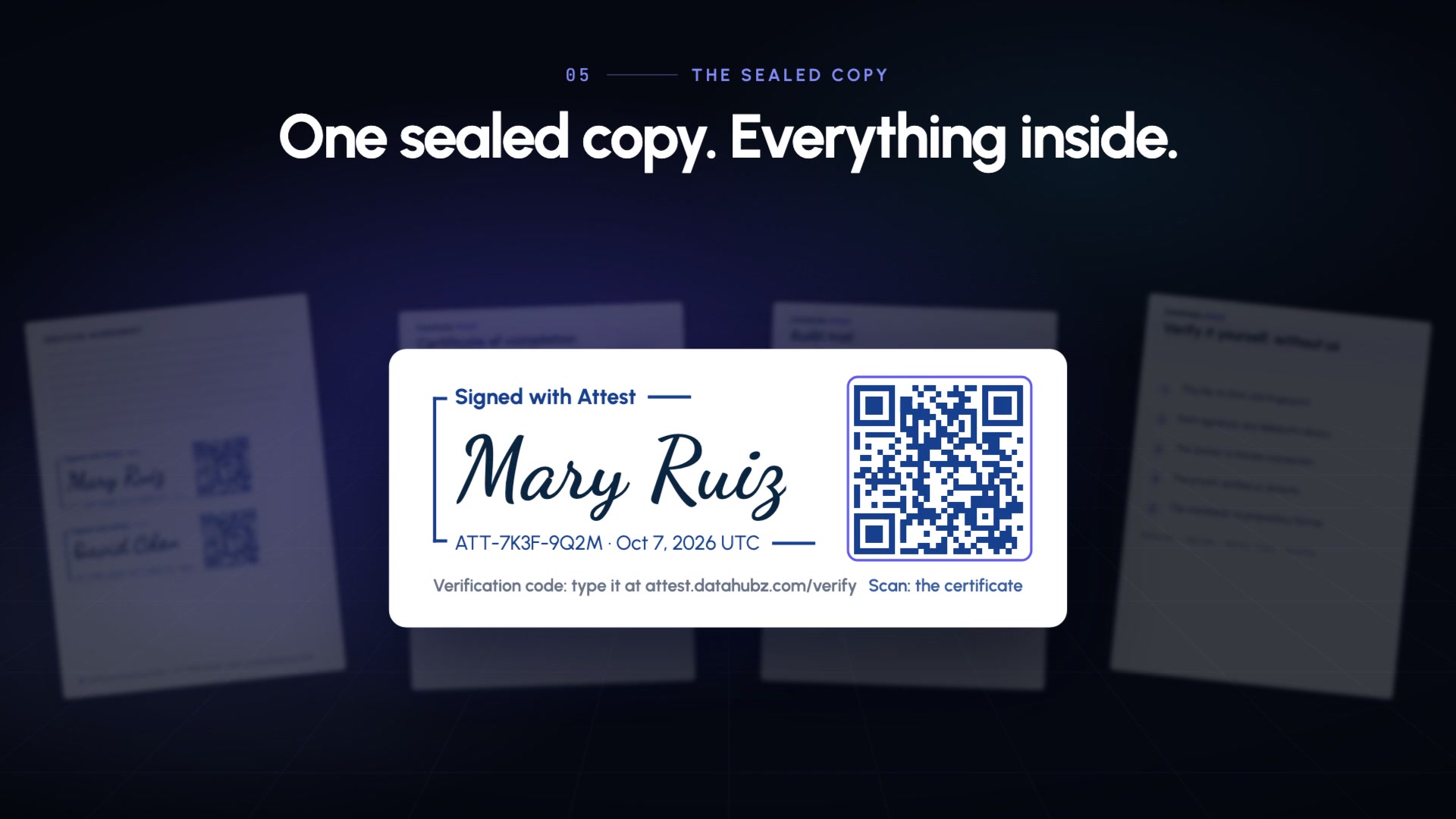
Every party downloads the same sealed PDF: the signed pages, a certificate of completion and the full audit trail. Inside it travel the original document, the complete evidence and a verifier, so it checks out on any device, even if Attest is gone.
- A Signed with Attest stamp on every signature: its code and QR code lead anyone to the record
- Share proof: a zero-knowledge proof of one fact about it, verified on zkVerify, revealing nothing else
- Drop the PDF on the verifier, or open the verifier inside it: every check runs on your device
- Signed pages only: the document's own pages, for filings that must keep their page count
Simple pricing.
The people you send documents to never pay, and never need an account.
Free
$0To try it
- 2 documents sent for signature
- Everything below, for those documents
- Unlimited free verification
Signing
$5a month
- 20 documents a month
- Signature, initials, date and text fields
- Sealed copy, certificate, audit trail and proofs
- Anchored the moment it's complete
- Expiry dates and automatic reminders
Pro
$49a month
- Every Attest feature, including signing
- Receipts, Proof Cards, certificates
- Sealed submissions, releases, vaults, forms
- The API
Questions people ask.
- Is it legally binding?
- Electronic signatures are recognized for most agreements in the United States (the ESIGN Act and UETA) and the European Union (eIDAS). A few documents, such as wills or some notarized deeds, have special rules in many places: check yours.
- Do the people who sign need an account?
- They don't sign up, create a password or pay, and never handle anything to do with a blockchain. They open their link and set up a passkey with one prompt. Because the document is end-to-end encrypted, the first time someone signs with Attest your browser releases it to them: we email you, and it takes one tap, from your phone too.
- Can Attest read my documents?
- No. Documents are encrypted in your browser and decrypted only in the browsers of the people you send them to. We store ciphertext and nothing else.
- What if Attest disappears?
- Your signed copy still verifies. It carries the original document, the evidence and a standalone verifier: open the verifier in any browser, drop the PDF on it, and it checks every signature, fingerprint and the blockchain anchor on your device. The certificate's last page explains each step.
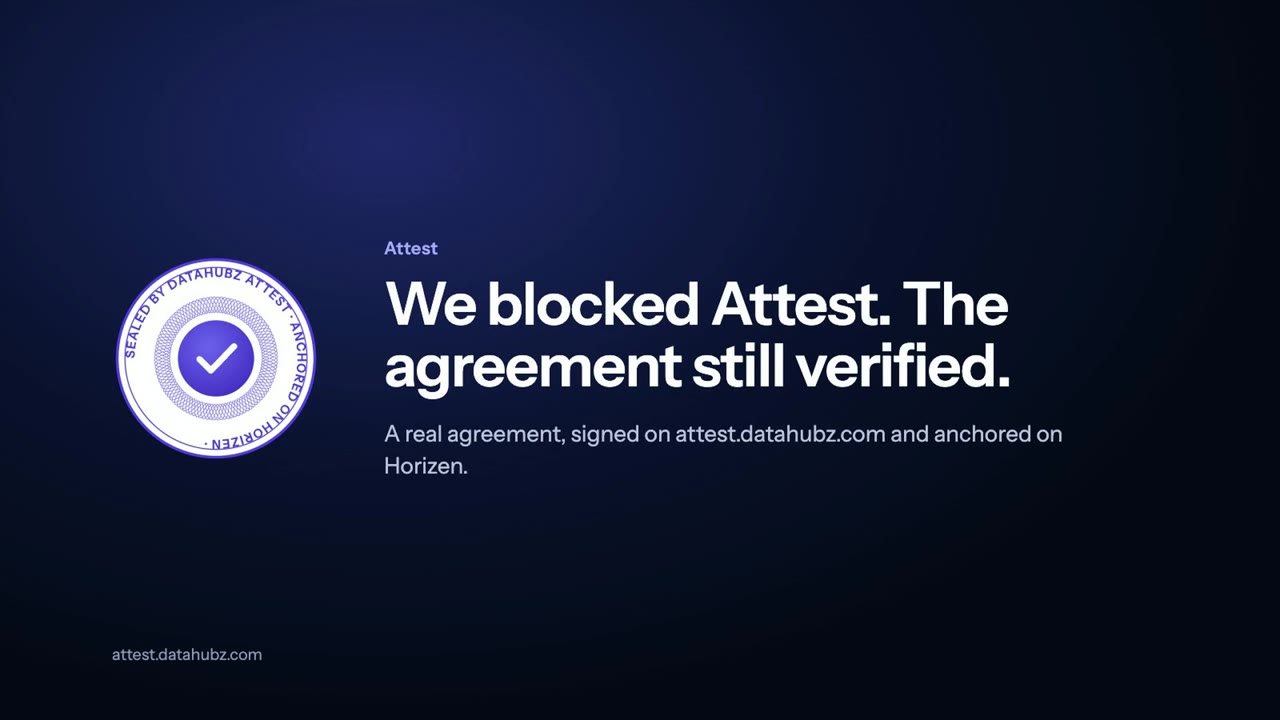
We blocked Attest. The agreement still verified.
A real agreement, signed on attest.datahubz.com and anchored on Horizen. Then Attest is blocked, and the verifier inside the signed copy checks every signature, the signed state and the pages on this computer, reading only a public blockchain node. Change the pages, and it fails.
Watch: we blocked Attest · 1:47 · sound on · captions available
Trust the cryptography, not the company.
Your first 2 documents are free. No card, no wallet, no setup beyond your email.